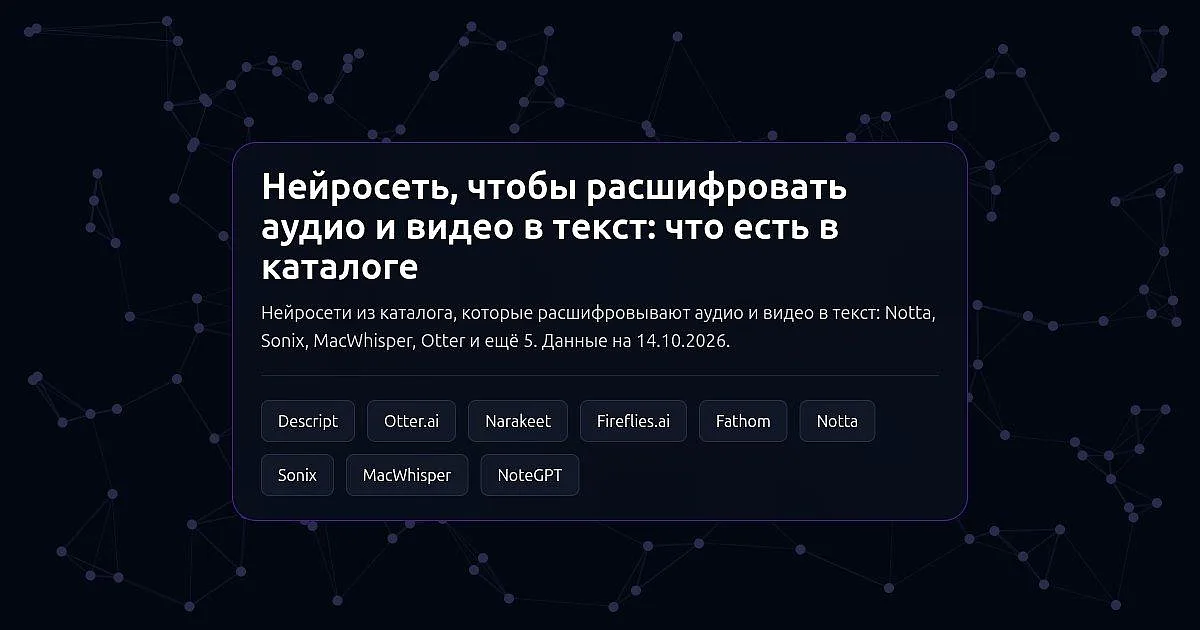
In short. The catalog has nine services that turn speech into text, and they solve different tasks. Files, lectures, interviews and videos are transcribed by Sonix, MacWhisper, NoteGPT and Notta; Notta also takes a YouTube link. Meetings in Zoom, Google Meet and Microsoft Teams are recorded and transcribed by the AI note takers Otter.ai, Fireflies.ai, Fathom and Notta again. Descript transcribes a recording so that you can edit video as text, and in Narakeet speech recognition is an addition to text-to-speech. MacWhisper exports subtitles as SRT and VTT, and Sonix builds subtitles for video. You can start for free in Notta, Otter.ai, Fireflies.ai, Fathom, Descript (with a watermark) and NoteGPT, MacWhisper has a free version, and Sonix offers only a free trial.
We use only what our catalog pages and the services' official pages say. Free-plan terms change, so open the service's official page before you start.
Transcribe a file, a lecture or a video
Sonix is an AI transcription service, running since 2017. It converts audio and video files into text in more than 54 languages, translates transcripts, builds subtitles for video and generates summaries, chapters and sentiment analysis. A browser editor lets you edit the audio by editing the text. It accepts formats such as MP3, WAV, M4A, FLAC, MP4, MOV, MKV and AVI, and offers an API and integrations with Zoom, Zapier and Adobe Premiere. Free use is a trial only.
MacWhisper is a Mac app that transcribes with local models right on your computer, so files do not leave it. You drag and drop a file, or record from the microphone or from any app; it also transcribes podcasts with speaker recognition, YouTube videos and calls in Zoom, Teams, Webex, Skype and Discord without a bot. It supports more than 100 languages, offers real-time dictation and exports to TXT, SRT, VTT, Markdown, PDF, HTML and DOCX. There is a free version; Pro is a one-time license. Mac only.
NoteGPT is an AI workspace for work and study. It transcribes audio and video with speaker separation and timestamps, and also summarizes YouTube videos, audio, PDFs and webpages. It runs in the browser and as a YouTube extension. The YouTube summary is offered for free and without sign-in.
Notta is an AI note taker that transcribes uploaded audio and video files and YouTube links, as well as meetings and interviews. It offers bilingual transcription, live translation and on-device transcription. It runs in the browser, in iOS and Android apps, as a Chrome extension and as a desktop app for Mac and Windows. You can start for free.
Record and transcribe a meeting
Otter.ai is an AI note taker from Otter.ai. It joins Zoom, Microsoft Teams and Google Meet calls, records and transcribes the conversation and writes a summary and action items; you can search past meetings and ask an AI chat about them. There is a free plan.
Fireflies.ai is an AI meeting assistant: it joins Zoom, Google Meet, Microsoft Teams and other platforms, transcribes the call and sends a summary with action items. You can also upload an existing audio or video file. It transcribes many languages and can detect the meeting language automatically. Through the Chrome extension it can record without a bot joining the call. There is a free plan.
Fathom is an AI meeting assistant: it records a call, transcribes it and sends a summary with action items right after the meeting; it can record without a bot joining. The free plan has unlimited recordings and transcripts.
Transcription as part of another task
Descript is a video editor where you edit a video or podcast like a text document: it transcribes the recording, and deleting words from the transcript cuts them from the video. An AI assistant removes filler words and pauses and cleans up audio. Transcription works only for Latin-script languages. There is a free plan, with a watermark on videos.
Narakeet is an online text-to-speech service: you pick a voice, paste text and download MP3. Besides voiceover, it turns PowerPoint slides into video with a voiceover, converts speech to text and has an API. Its page does not describe it as a main transcription tool: see the site for the terms.
What to pick
- Transcribe a recorder file, an interview or a lecture: Sonix, MacWhisper, NoteGPT or Notta.
- Subtitles for video: Sonix (subtitles and captions) or MacWhisper (SRT and VTT export).
- Keep files on your own computer: MacWhisper (local models, Mac only).
- Transcribe a video by YouTube link: Notta or MacWhisper; NoteGPT gives a summary by link.
- Separate speakers with timestamps: NoteGPT or MacWhisper (podcasts).
- Record Zoom, Meet and Teams calls with a summary and action items: Otter.ai, Fireflies.ai, Fathom or Notta.
- Record a meeting without a bot in the call: Fathom, Notta, Fireflies.ai (Chrome extension) or MacWhisper.
- Edit a video or podcast from its transcript: Descript.
- Start for free: Notta, Otter.ai, Fireflies.ai, Fathom, NoteGPT, MacWhisper or Descript.
What to check on a tool's page
- Languages. The number and list of transcription languages differ: Sonix states more than 54, MacWhisper more than 100, and Descript only Latin-script languages. Check your language on the service's page before you upload.
- Where processing happens. MacWhisper works on your computer, the others in the cloud. If a recording is confidential, this matters.
- What you get. Text, SRT and VTT subtitles, documents: compare the export formats with what you need.
- Free access. Sonix has a trial only, Descript puts a watermark on videos, and for the others check the limits on the plans page.
How to check the result
- Listen to the fragments with names, numbers and terms and compare them with the text: that is where most mistakes are.
- Check that speakers are separated correctly if several people are on the recording.
- For important recordings (contracts, interviews for publication) read the whole transcript.
- Ask the people on the call for consent if you record a meeting.
The data comes from our catalog pages and the services' official pages as of 14 October 2026. If a service has changed its terms, tell us in the comments under the post in our Telegram channel, Pro AI Expertise (the channel is in Russian), and we will update the page.