In short. The services in the Image Generation category do different jobs. You can draw from a description and try things for free in Adobe Firefly, Leonardo.Ai and Krea. Canva AI makes images inside an editor with layouts. Grok Imagine, Kling AI and Shedevrum can edit photos and animate pictures into clips. Kandinsky has open models.
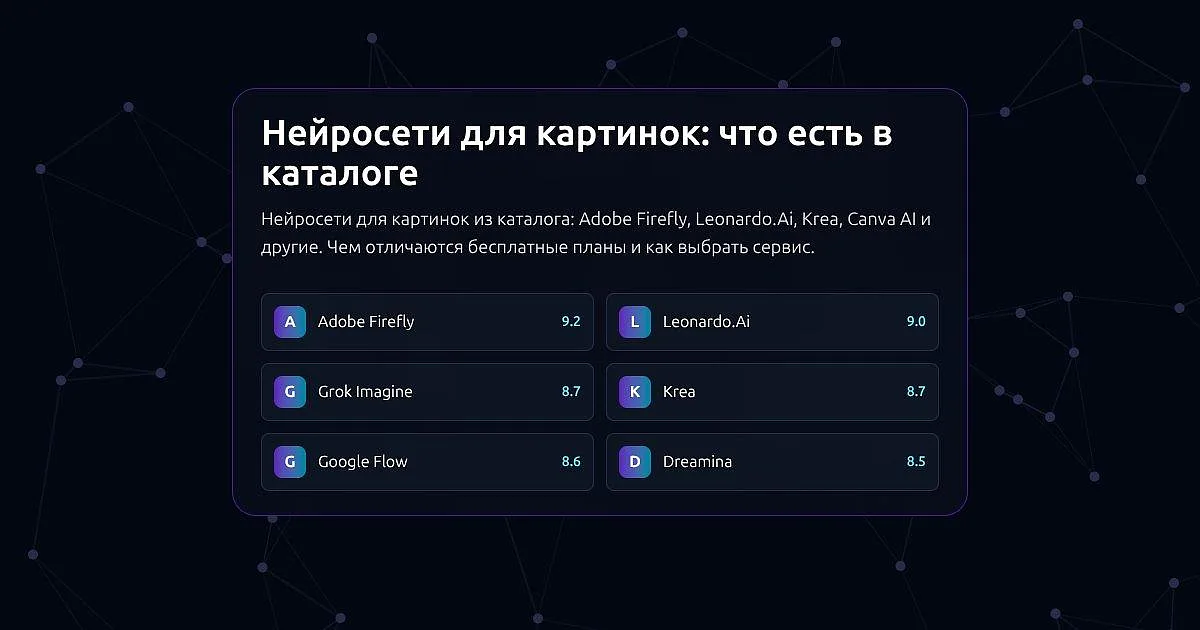
The list below builds itself from the catalog and is sorted by our score. New services join it on their own.
- AAdobe Firefly
- LLeonardo.Ai
- GGrok Imagine
- NNano Banana
- KKrea
- GGoogle Flow
- DDreamina
- RRecraft
- IIdeogram
- FFLUX
- WWan AI
- LLuma
We use only what our catalog pages say. Free-plan terms change, so open the service's official page before you start.
What the services do
Adobe Firefly gives free generations every day, and you do not need a subscription to start.
Leonardo.Ai draws from a description. Works made on the free plan are public.
Krea is a generator with a free plan, and you do not need a card to start.
Ideogram draws from a description; on the free plan images are public.
Recraft also makes results public on the free plan.
Canva AI is the AI inside the Canva editor: images and layouts from a description, background removal, translation of text in a layout. It has a free plan.
Grok Imagine is the generator inside Grok. It edits photos and animates them into clips. Free access terms are not yet filled in on its page, so check the service's own plans page.
Kling AI is mainly a video generator but makes images too. Free credits arrive every day, and results carry a watermark.
Shedevrum is a Yandex service. It draws from a description and animates pictures into short videos. It is free, with some features in a paid version. The website opens only with a Yandex ID.
Kandinsky is Sber's AI. Online it works through GigaChat (website, app and Telegram) with a Sber ID sign-in. It draws from a description, edits images for free, removes unwanted objects from photos and retouches them. The models are open: you can download them from GitHub and run them yourself, but you need a strong graphics card.
DeepAI lets you start without signing up, and it shows ads.
Craiyon works without sign-up, but images without a watermark are only on paid plans.
Midjourney has no free plan on its page.
How to pick
- A picture from a description, fast and free: Adobe Firefly, Krea or DeepAI.
- A picture inside a layout (a post, a cover, a presentation): Canva AI.
- Editing an existing photo: Grok Imagine or Kandinsky.
- Turning a picture into a clip: Shedevrum, Grok Imagine or Kling AI.
- Full control on your own computer: the open Kandinsky models.
- Privacy of your work matters: on the free plans of Leonardo.Ai, Ideogram and Recraft, images are public.
What to check on a tool's page
- Free-plan terms. Some tools add a watermark (Kling AI, Craiyon) or make results public (Leonardo.Ai, Ideogram, Recraft).
- How you sign in. Some services need only an email, others need an account: Shedevrum needs a Yandex ID, Kandinsky inside GigaChat needs a Sber ID.
- What else it does. Photo editing, object removal, video from a picture: compare with what you need.
The data comes from our catalog pages as of 13 October 2026.