Music generators almost always have a free plan, and its limits differ from those of video tools. Three things are restricted: how many songs you can make per day, which models you can use, and what you are allowed to do with the finished track. The last one matters most: a track from a free plan often cannot be used commercially, and some services do not let you download it at all.
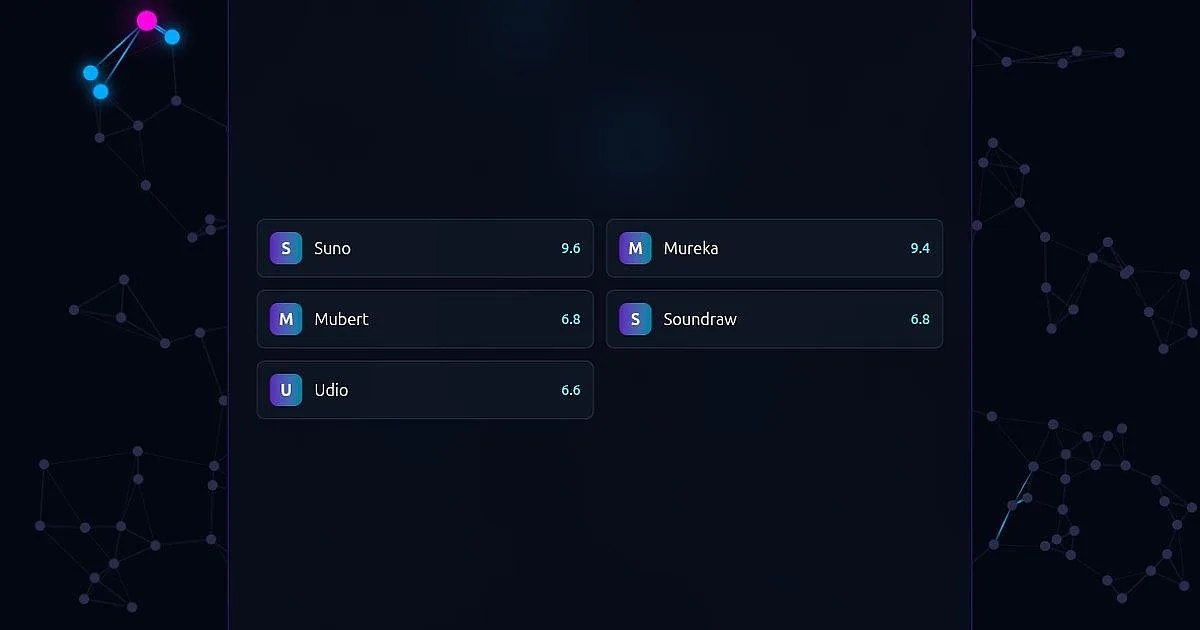
Below is the list of tools in our catalog that have a free plan. It builds itself and is sorted by our score.
How to choose
Decide what the track is for. For yourself and friends almost any will do. If the music is for a channel, an ad or a game, open the free plan terms on the tool's page: some services allow commercial use only on paid plans.
Check whether you can download the result. On some services downloads are closed or need a subscription on the free plan, on others they are open. It is unpleasant to learn that after an evening spent on the perfect track.
Pick between a song with vocals and background music. Some tools make a song with vocals from your lyrics or a description, others generate an instrumental backing of a set length for videos and streams. They are different jobs, and a tool built for one fits the other badly.
Look at the language and the app. Not all of them have a Russian interface: for some it is on the website, for some in the app, for some nowhere. If you work from a phone, check whether the app is in your store.
Where to start
If you want a song with vocals and a Russian interface, begin with Suno: free credits arrive every day, and there is a Russian version of the website and an iPhone app, but songs from the free plan cannot be used commercially. For a second option with a Russian website, open Mureka: you can make a few songs a day for free, though the number is capped and the app is not in the Russian App Store.
What did you make? Share the track in the comments under the post in our Telegram channel, Pro AI Expertise (the channel is in Russian).