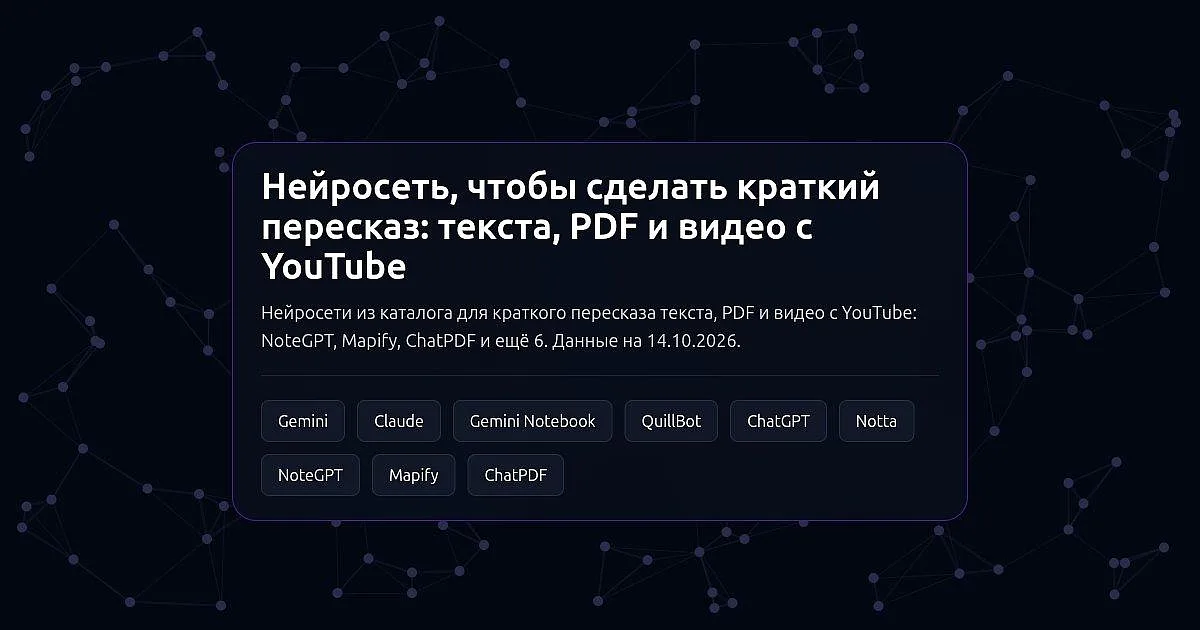
In short. Nine services from the catalog make a short summary, and they differ in format. YouTube videos are summarized by NoteGPT (by link, free and without sign-in), Mapify (as a mind map) and Notta (a transcript from a link plus a summary). PDFs and documents are handled by ChatPDF, Gemini Notebook, NoteGPT and Mapify. A long text you already have is summarized by QuillBot and NoteGPT. The chatbots ChatGPT, Claude and Gemini work through uploaded files and documents and can answer questions about them. You can start for free in NoteGPT, Mapify, ChatPDF, Gemini Notebook, QuillBot, Notta and in the free plans of the chatbots.
We use only what our catalog pages and the services' official pages say. Free-plan terms change, so open the service's official page before you start.
YouTube videos
NoteGPT is an AI workspace for work and study. The YouTube summary works from a link: it can process several videos at once, videos without subtitles and translate subtitles. The same summary functions exist for audio, PDFs, webpages and long text, and the service also transcribes audio and video with speaker separation. The YouTube summary is offered for free and without sign-in.
Mapify turns PDFs and documents, YouTube videos, webpages, long text, podcasts and meeting recordings into structured mind maps. From a branch of the map you can jump to the matching moment in the video, and a full transcript is available. The summary comes as a map rather than running text. You can start for free.
Notta is an AI note taker that transcribes uploaded files and YouTube links and makes a short summary with action items. It suits meeting and interview recordings best. You can start for free.
PDFs and documents
ChatPDF: you upload a document, ask questions about it and get a summary. Answers carry built-in citations that point to places in the document, and several PDFs can be discussed in one chat. It also accepts videos and websites. Summaries and questions are offered for free.
Gemini Notebook is Google's AI notebook for working with your own sources, formerly called NotebookLM. You upload documents, articles and links, ask questions and get summaries and study notes; answers are grounded only in the material you uploaded, with citations. It can retell your sources as a podcast. There is a free plan.
A ready text
QuillBot is a set of tools for working with existing text: summarizing, paraphrasing, grammar checking and plagiarism checking. It works on the website, as a Chrome extension and in apps. There is a free plan.
Chatbots
ChatGPT reads files and photos and runs research with links to sources. Claude works through long documents and spreadsheets. Gemini analyzes files, photos and videos and is built into Gmail and Google Docs. All three have a free plan; in Gemini, without a subscription, most prompts are handled by the lightest model.
Which to pick
- Summarize a YouTube video by link: NoteGPT.
- A summary as a mind map: Mapify.
- Ask questions about a PDF and get citations from the document: ChatPDF or Gemini Notebook.
- Summarize only your uploaded sources and stay within them: Gemini Notebook.
- Summarize and paraphrase a ready text: QuillBot.
- A meeting or interview recording with a short digest and tasks: Notta.
- A summary with questions and follow-ups in a dialogue: ChatGPT, Claude or Gemini.
- Start for free: NoteGPT, Mapify, ChatPDF, Gemini Notebook, QuillBot, Notta or a chatbot's free plan.
What to check on a tool's page
- Result format. Running text, a mind map, study notes or answers to questions: choose what suits you.
- Source of the answer. Gemini Notebook answers only from your uploaded material and cites it, ChatPDF gives citations from the document. Chatbots may add information that is not in your file.
- What the service accepts. PDFs, video links, webpages, audio: compare with your material.
- Free access. Terms differ between services, see the plans page.
How to check the result
- Compare numbers, dates and names in the summary with the original: a short version can lose caveats.
- For video, open a few moments and check that the summary matches what is said.
- Read an important document (a contract, a medical text) in full, not just the summary.
- Do not upload confidential files to a service if you are not sure of its terms.
The data comes from our catalog pages and the services' official pages as of 14 October 2026. If a service has changed its terms, tell us in the comments under the post in our Telegram channel, Pro AI Expertise (the channel is in Russian), and we will update the page.